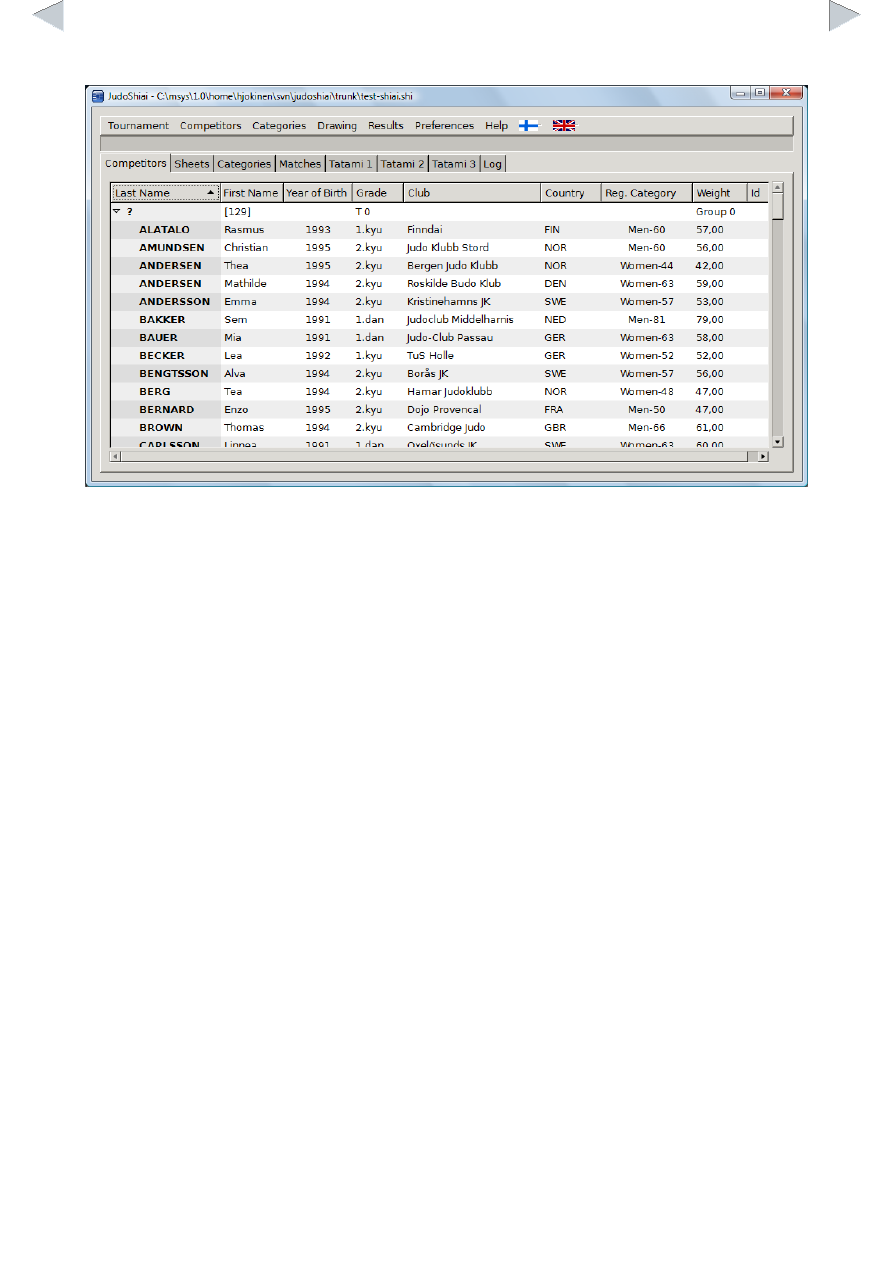
Add a Competitor from Another Database
You can add competitors from another database either with or without the weights (Competitors →
Add All with Weights or Competitors → Add All From Another Shiai). If you are arranging a
competition for your club's juniors you may find it useful to check the box Clean up duplicates and
update reg. categories: competitor that already exists is not imported and the registered category is
updated according to the year of birth. You can remove the unnecessary competitors one by one or
by selecting Competitors → Remove Unweighted.
You can add new competitors from another database also individually. Click Competitors → Select
From Another Shiai. Choose a database and a new window will open with a list of categories and
competitors. Double click a competitor and all his/her data will be added to the current database.
You can also import the whole category with its competitors.
JudoShiai can import competitors from a text file, too. A text file may look as follows:
Jack,Taylor,Stonehaven Judo Club,GBR,m,1991,1d,74
Thomas,Brown,Cambridge Judo,GBR,m,1994,2k,61
Oliver,Wilson,Barnet Judo,GBR,m,1995,2k,58
Click Competitors → Add From a Text File. You will be asked to select a file (note also the UTF-8
check box!) and a new window opens: