New Category
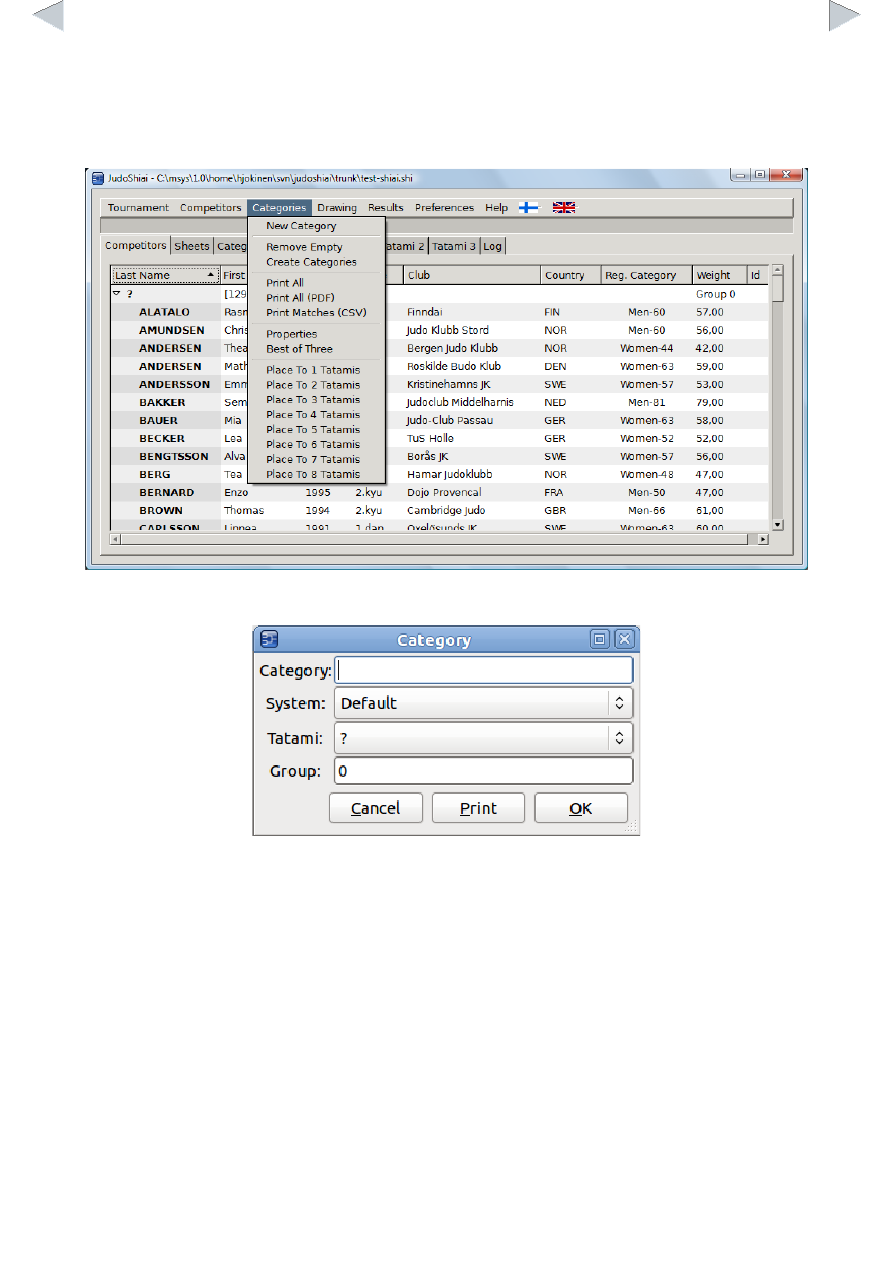
You can create categories automatically and fine tune them later. Categories menu:
Click Categories → New and a form window pops up:
Fill in the Category name. You can use other than the default competition system by selecting one
from the System list. Tatami is the number of the competition area. There are usually groups of 2 –
4 categories that are matched before the next group starts. Group field defines the group number
for this category.
Click one of the Competitors sheet headers to order competitors by their last name, club name,
category or weight. Click again to reverse the order. Select a player by clicking him/her once.
Select more competitors by pressing ctrl key while left clicking. Select consecutive lines by holding
the shift key down and click the last line.
To move the selected players to another category
- right click the destination category line and select Move Competitors Here; or
- right click and select Move Competitors to Category and from the pop up list choose the
destination category.