Matches
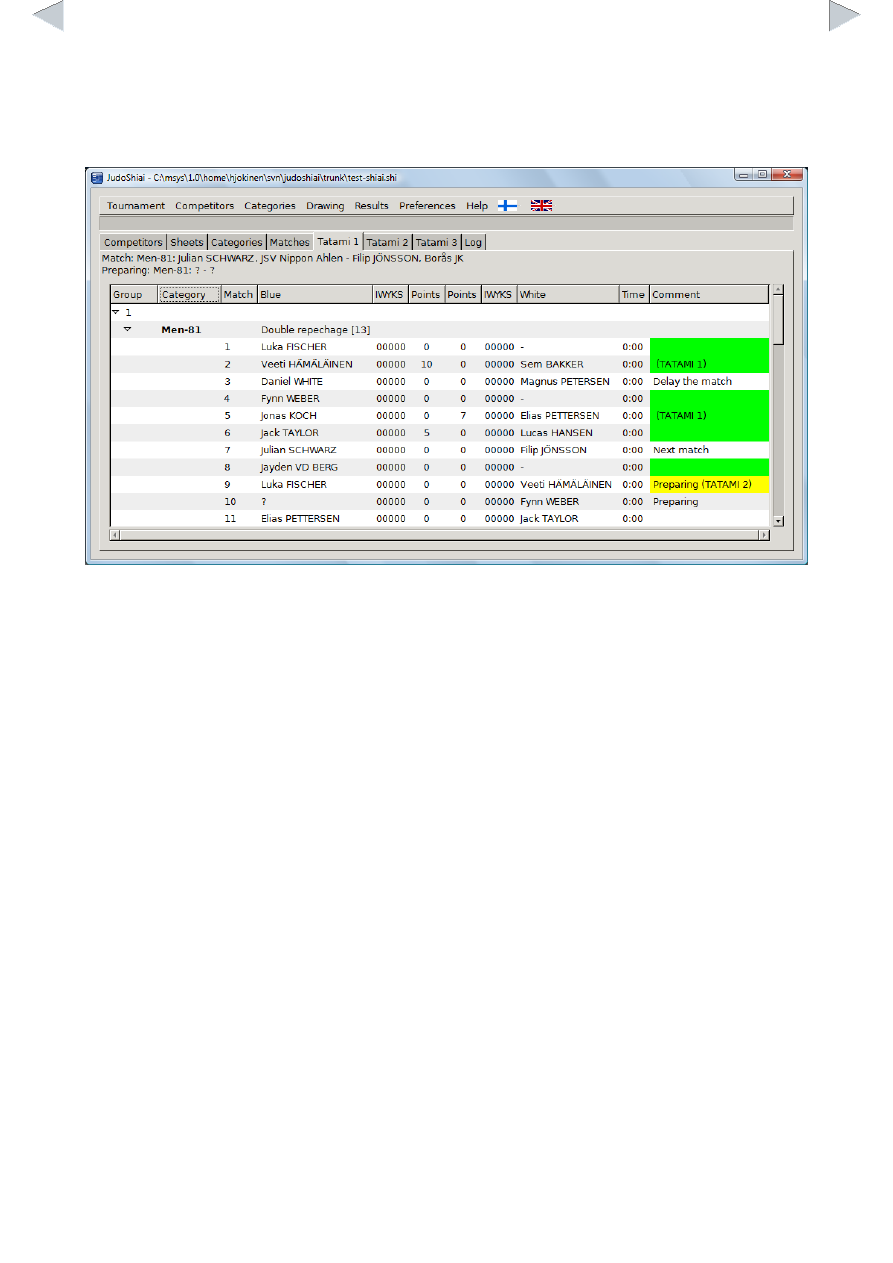
Matches are on sheets Tatami 1, Tatami 2 etc.
On the left, there is a group number and the weight categories belonging to it. Below a category
header there are all the matches of that category. Next fights are displayed above the listings. The
same information is sent also to the JudoTimers.
Green color in the Comment field indicates that the match has been done or it is not necessary to
fight it in the first place (hansku-make). Yellow color tells that the position of the match has been
frozen (tatami and/or match order is non-default). Usually matches are unfrozen (floating) so that it
is possible to reorder the fights to prevent delays caused by mandatory rest times.
You can correct or otherwise set the result manually by right clicking the blue or white points.
Select 0 to cancel a match. In the picture below the white contestant is going to score a waza-ari.