Communication
You get the most out of the JudoShiai software package if the programs can communicate with
each other. JudoShiai program sends information to JudoTimer and JudoInfo and receives results
from the JudoTimer.
IP Network
The programs use an IP network for the communication. For a simple network you need an
Ethernet switch that contains an embedded DHCP server.
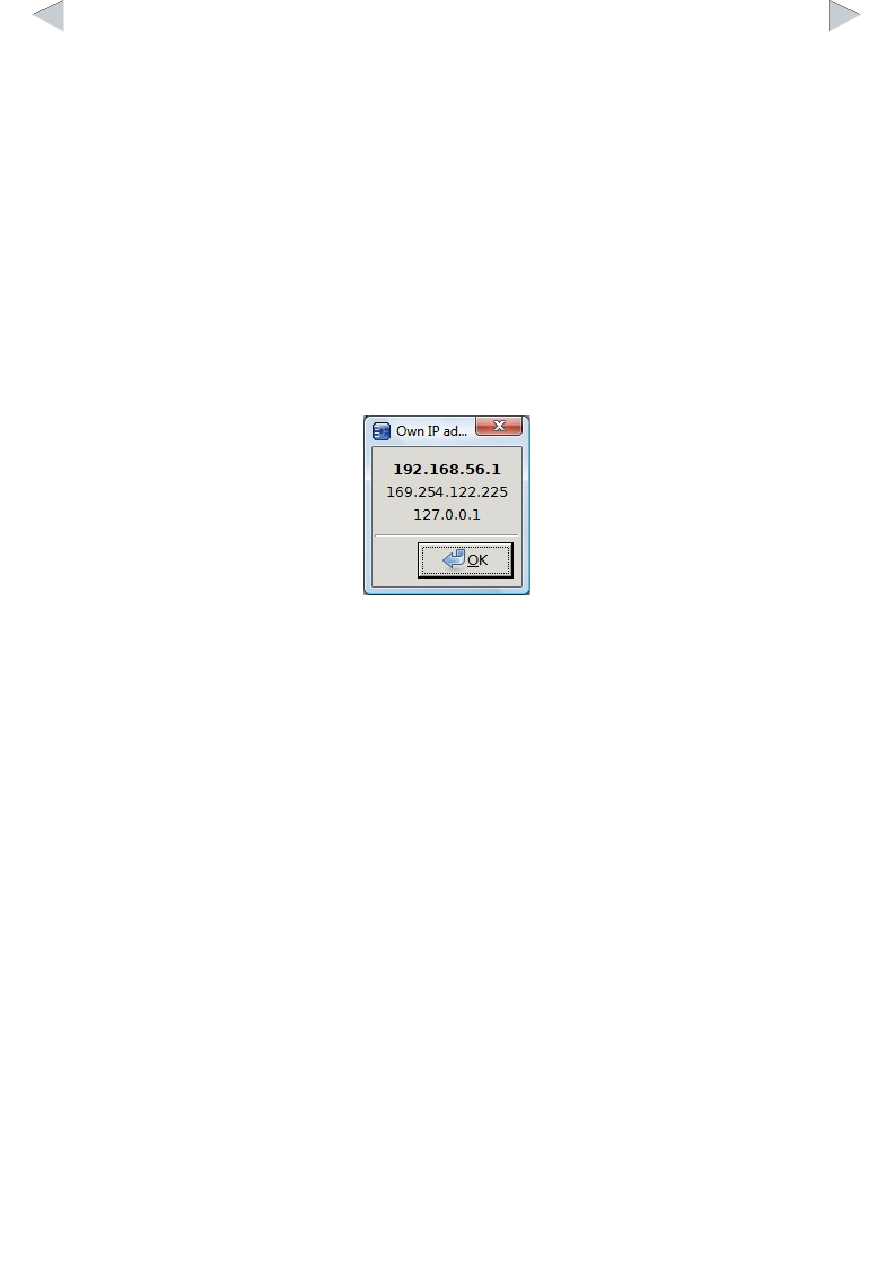
For the communication you have to know the IP address of the JudoShiai program. Although you
can use the methods provided by the operating systems to find the IP addresses, it is also possible
to choose the menu option Preferences → Communication → Own IP Addresses. Example of a list
of IP addresses:
You may have several addresses in use, but the most probable is in bold.
Protocol
There are many ways to arrange communication between network elements. The best ways
(broadcast or multicast messages, UDP) are many times blocked by the firewalls especially in the
company laptops. That is why the communication uses a communication node (JudoShiai
program) who is connected by the other programs. Used protocol is TCP and the port number to
connect to is 2310. TCP is used by the web browsers, too, and hence the firewalls easier accept
this kind of traffic.
Communication Node
The JudoShiai program acts as a communication node. The communication node computer must
accept connections to port number 2310. In the future port number 843 will be used with Flash
applications.
The JudoTimer and JudoInfo programs search for the communication node starting from the lowest
IP address. Linux versions are quite fast, but for Windows software it may take several minutes to
find the correct address. It is best to set the address manually. Find the IP address of the
JudoShiai program by clicking Preferences → Communication → Own IP Addresses. From
JudoTimer and JudoInfo menus choose the menu option Preferences → Communication Node. A
new window pops up: