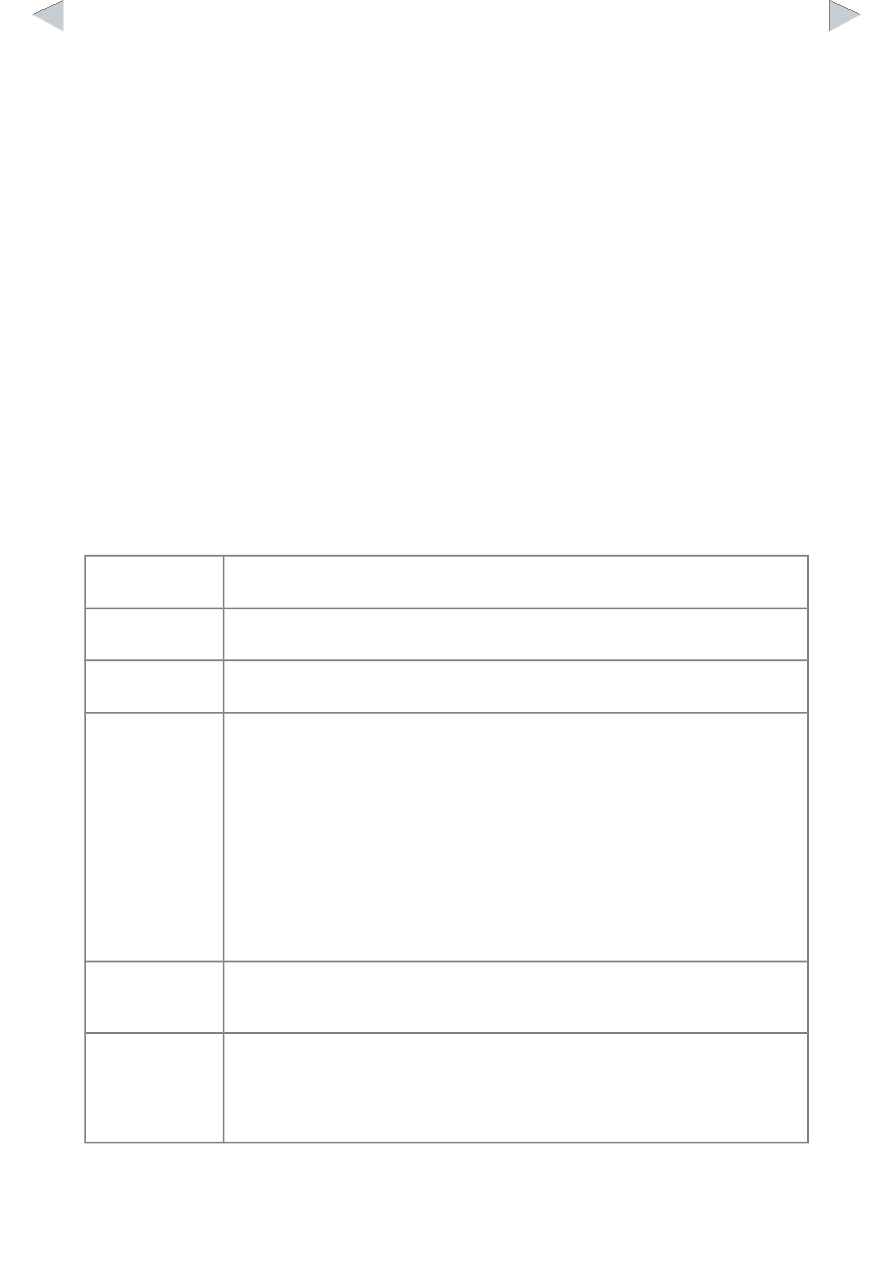
5
5 min
Contest time is 5 min
9
Golden Score
Menu for the golden score time
Golden Score
JudoTimer will suggest the golden score itself. However, you can select it also from the Contest
menu. In the pop-up menu there are times from one minute to five minutes and the automatic
setting from the JudoShiai program.
Hantei
In case of referee voting you have to tell the result by choosing the Contest menu option Hantei:
Blue Wins or Hantei: White Wins.
Hansoku-make
JudoTimer doesn't support hansoku-make due to confusing meanings of the term. Please use
JudoShiai to give a hansoku-make.
Clocks and Scoreboard
You can control clocks and scoreboard by using both the keyboard and mouse.
Shiai clock
start/stop:
Click the shiai clock numbers or press the space bar.
Osaekomi clock
start/stop:
Click the osaekomi clock numbers or press the Enter key.
Sonomama/yoshi:
Click the ”SONOMAMA” text or press the 's' key. To start the clocks redo the
previous or click the shiai or osaekomi clocks.
Scoring:
Click the scoreboard number or use the keys:
F1 Ippon for blue
F2 Waza-ari for blue
F3 Yuko for blue
F4 Shido for blue and score white
F5
Ippon to white
F6 Waza-ari to white
F7 Yuko to white
F8 Shido to white and score blue
Remove score:
Remove a score by
- holding down the shift key while clicking or pressing a function key; or
- right-clicking the scoreboard.
Osaekomi scores:
After the osaekomi clock has been started you have to tell who is scoring. Click
the blue or white area to the right of the osaekomi clock or press the up or
down-key. The program adds the ippon automatically to the scoreboard and
stops the clocks. Otherwise the points flash on the display and you have to give
them manually by clicking the scoreboard or using the arrow keys.