APPENDIX 5
Video Server Setup
There are many ways to setup a video server. The most important thing is that it must be able to
provide M-JPEG stream on HTTP.
IP Cameras
IP cameras are equipped with an Ethernet or WiFi connection. Mostly they have their own Web
servers. Remote pan/tilt control is a useful feature. You can control the cameras by using
proprietary software or a web browser. Some models use DirectX for communication so only
Internet Explorer works.
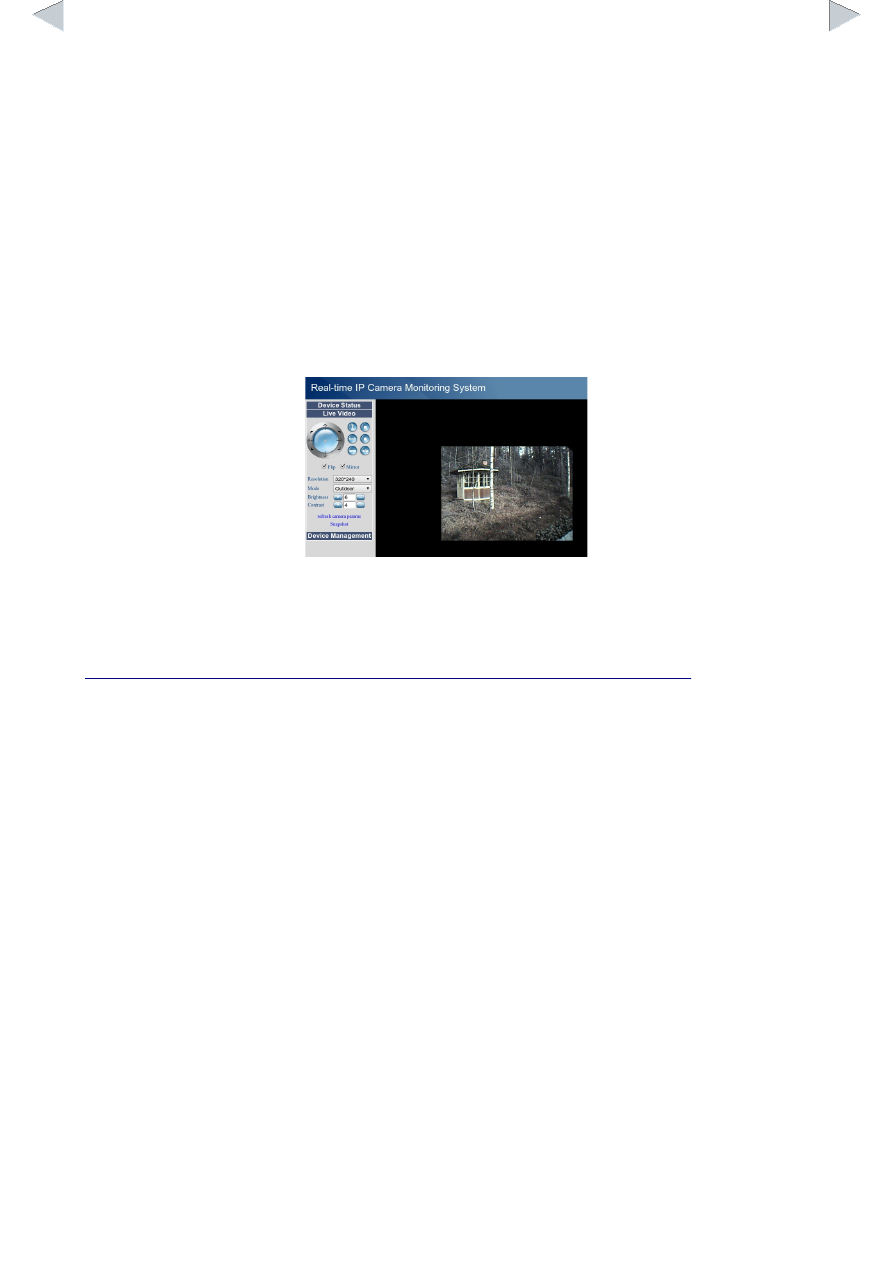
In a browser you will most probable see a window with control buttons and a video frame.
This is not what JudoTimer wants. You have to find the URL for the real video stream. For example
an unnamed Chinese clone sends video stream from the URL
http://<ip address>/video.cgi. It requires some expertise to find out the correct URL. You
can find some hints for example here:
http://forum.synology.com/wiki/index.php/User_Reported_Compatible_IP_Cameras
It is not known if the listed cameras work with JudoTimer.
VLC
VLC is a free video/audio player and server. You can run it in the same computer as JudoTimer or
in another one. Later option is better if VLC seem to load the CPU too much. Let's assume you
have an ordinary USB web cam connected to your computer:
•
Start VLC.
•
Select Media → Open Capture Device.
•
Select your camera and bottom right instead of Play select Stream.
•
Accept the source.
•
From Destinations select HTTP and Add.
•
Suggested port number (8080) and path (/) should be fine.
•
From Transcoding options select Create a new profile (a list looking icon). This is done only
once.
•
Set Profile Name for example to MJPEG.
•
Select:
◦
Encapsulation: MJPEG
◦
Video codec:
▪
Check Video